01
Read without losing your place
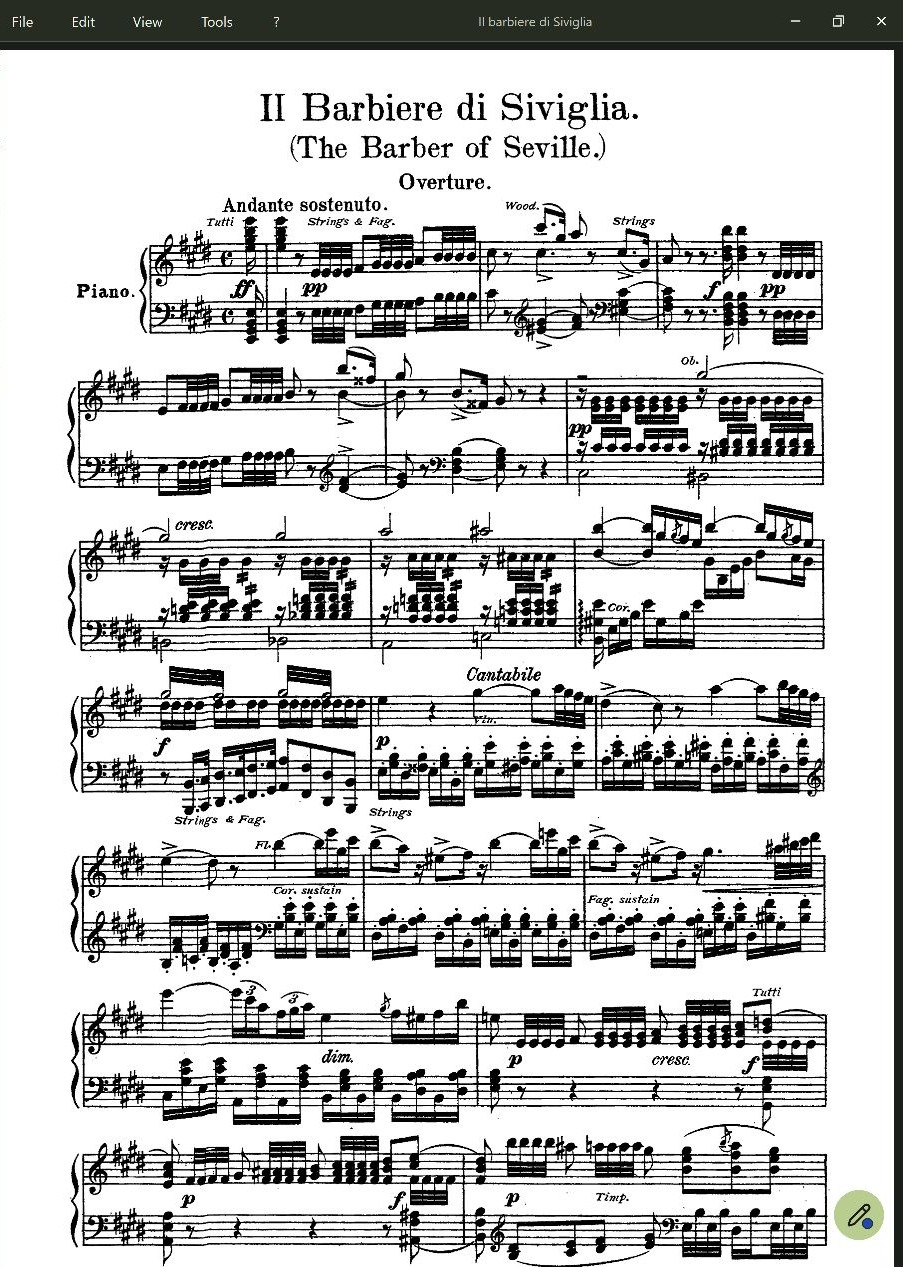
ScoreDraw renders PDF pages on demand and prepares nearby pages. Browse large scores, zoom and move quickly from one page to the next.
 FREE · OPEN SOURCE · WINDOWS
Your scores. Your space.
Read and annotate PDF scores, organise your repertoire and prepare for performances with an app built to keep the music in focus.
For Windows · English and Italian interface · GPLv3
FROM PRACTICE TO PERFORMANCE
ScoreDraw renders PDF pages on demand and prepares nearby pages. Browse large scores, zoom and move quickly from one page to the next.
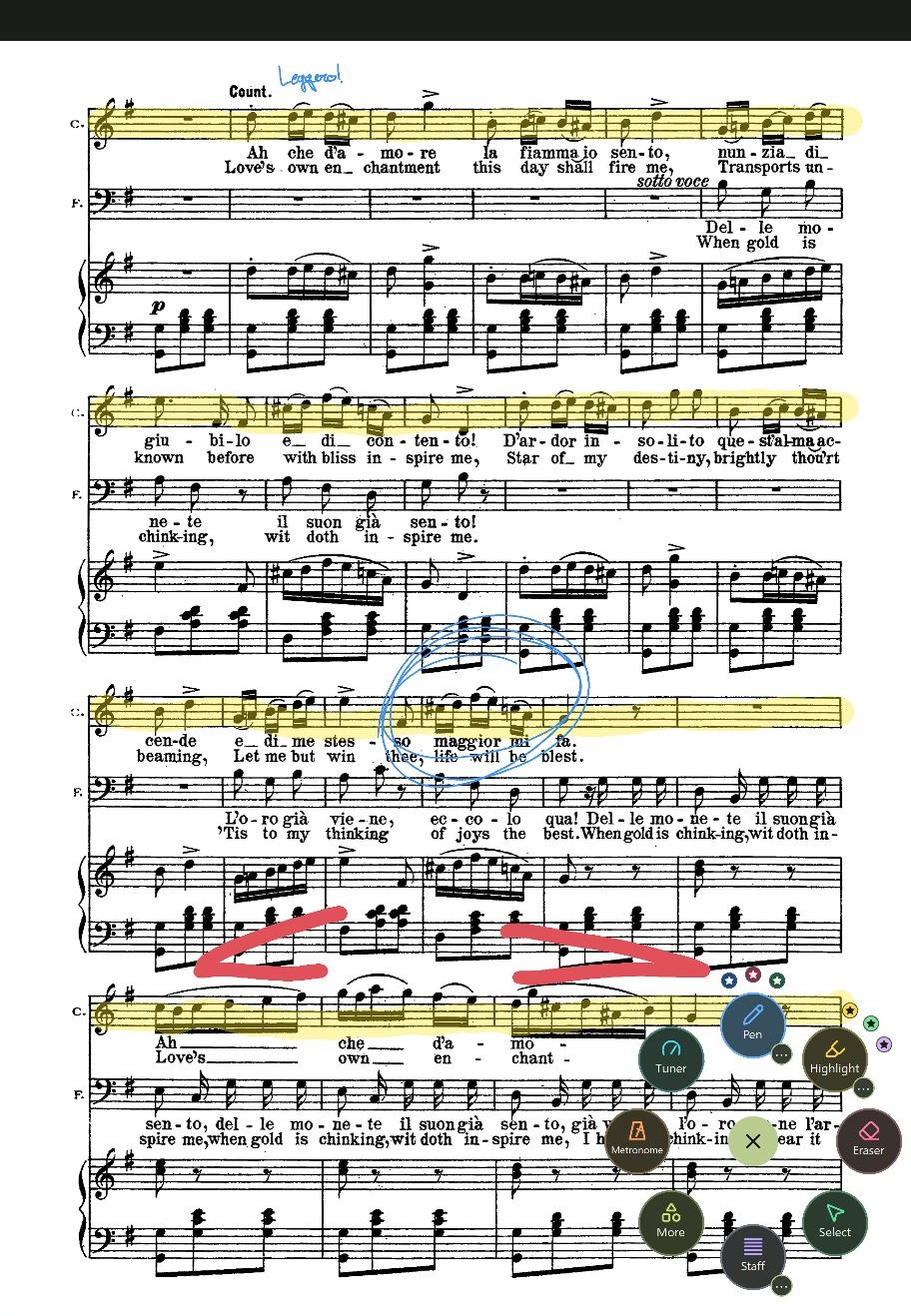
Pressure-sensitive pen input, a highlighter, eraser, bookmarks and extra blank staves: the tools you need for practice, without cluttering the score.
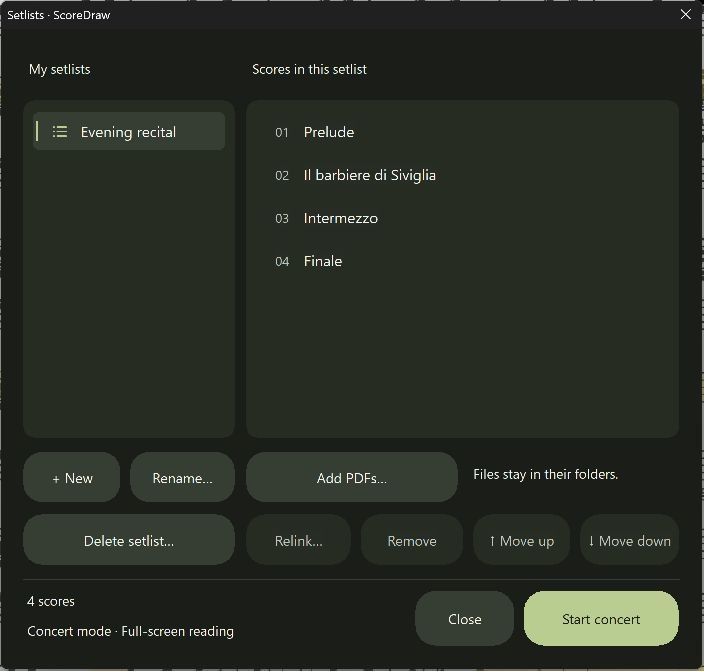
Arrange your PDFs in performance order and turn from one score to the next during a concert. Files remain in place, with annotations linked to each original score.
MORE TOOLS
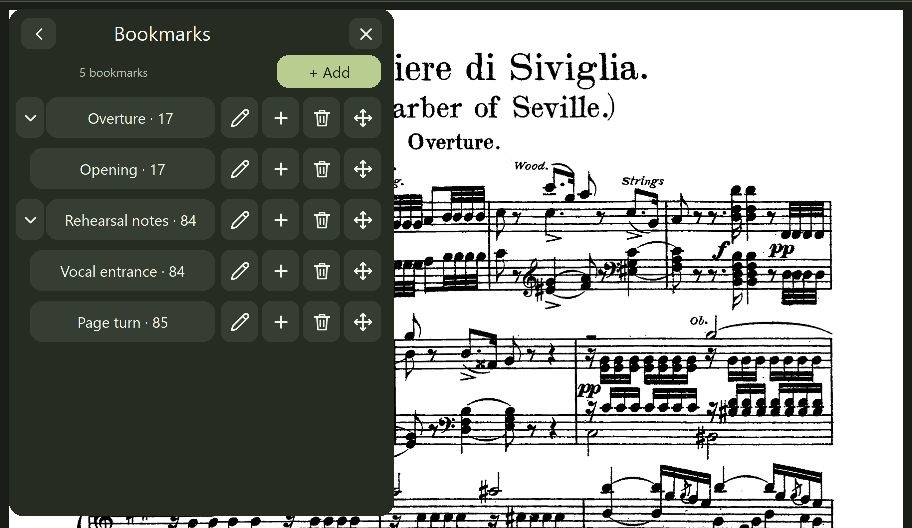
Add and organise references within a score, including nested bookmarks.
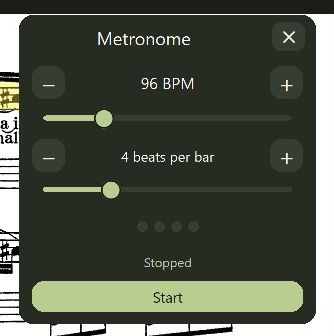
Set the tempo and follow the beat while you practise.
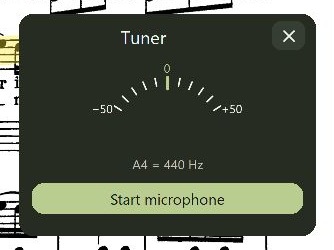
Check your pitch using the device microphone.

Page turning, zoom and full-screen reading within easy reach.
THE STORY
I have used a tablet to read and annotate scores for years. I wanted an app that stayed fast with large PDFs and did not get in the way during concerts. ScoreDraw grew from that everyday need: a simple tool built around the score itself.
ScoreDraw is written in Rust, free to use and open source under the GNU GPLv3 licence. Annotations and setlists are stored on your device.
Source code on GitHubExplore the code, contribute to the project or return here when the download becomes available.
← Back to engineering projects